
Manage your website easily, quickly and securely
A professional website should be easy for visitors to use, but it should also be convenient for the company that manages it. That is why, in addition to taking care of the visible design, it is essential to have an internal system that allows content to be updated without requiring advanced programming knowledge.
At Lenixas Web Design Studio we create websites with CMS administration panels tailored to the real needs of each business. The aim is to allow you to edit text, add images, publish articles or update information easily while always maintaining an organised, secure and professional structure.
We do not install unnecessarily complex tools. We configure the system so that you can easily find the functions you actually need and manage your website with greater independence.
What is a CMS administration panel?
A CMS, or content management system, is a platform that allows you to manage a website from a private area. Through this panel, you can create, edit, organise and publish content without having to modify the website’s code directly.
The panel acts as the control centre of the website. Depending on the characteristics of the project, it may allow you to manage:
- pages and sections;
- blog posts;
- services and products;
- images and documents;
- contact forms;
- categories and tags;
- users and permissions;
- orders or bookings;
- comments and publications;
- basic SEO settings.
Each panel should be adapted to the way the company operates. A corporate website, an online shop, a booking portal or a platform with multiple users all require different tools.
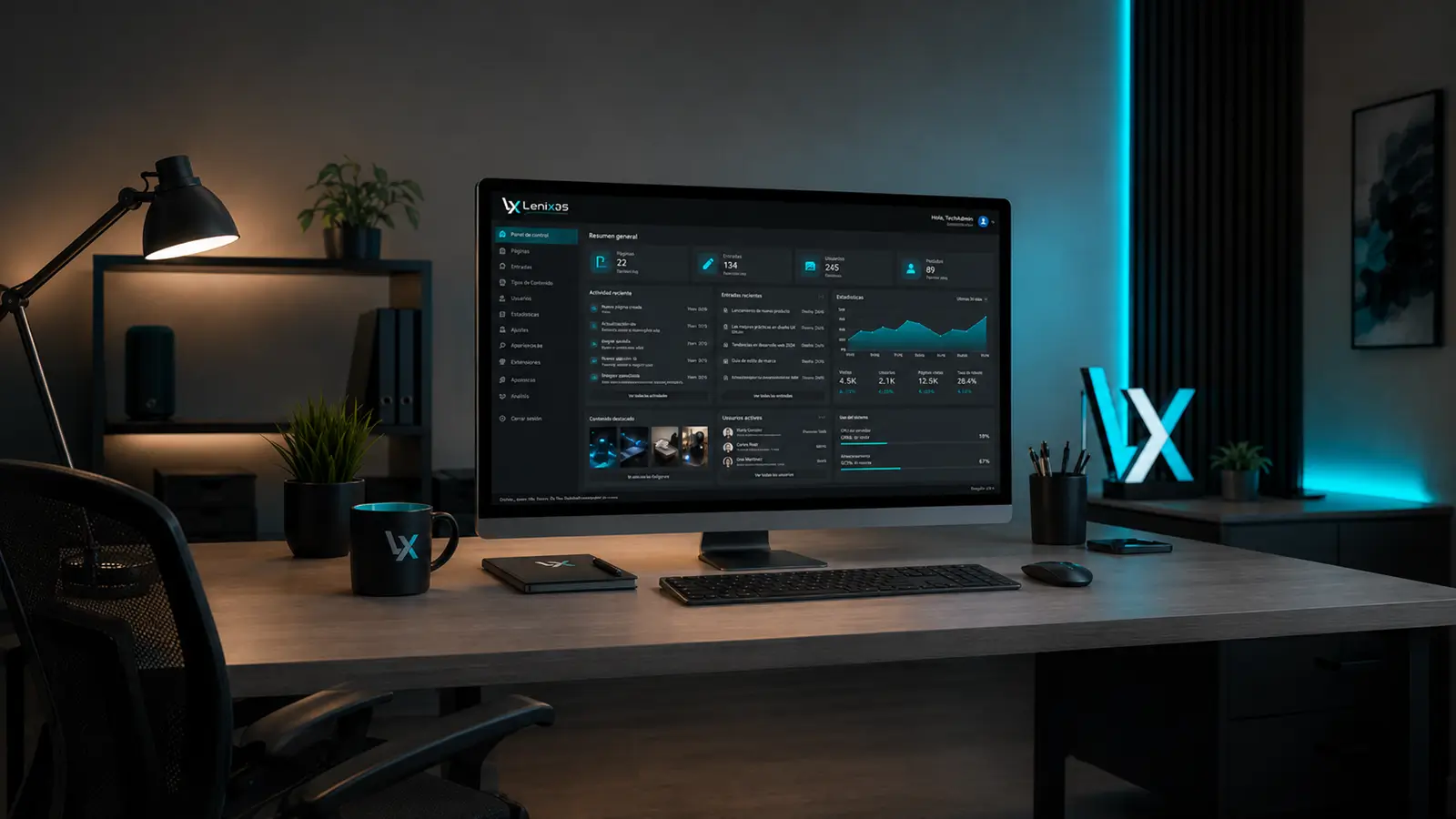
Control over your website content
A properly configured administration panel allows you to keep your company information up to date without relying on a programmer for every small change.
You will be able to update opening hours, services, prices, photographs, promotions or contact information whenever necessary. You will also be able to publish new content and update existing pages as your business evolves.
This independence is particularly important for companies that need to make frequent changes. An outdated website can create doubts, while a page with accurate and current information conveys professionalism and trust.
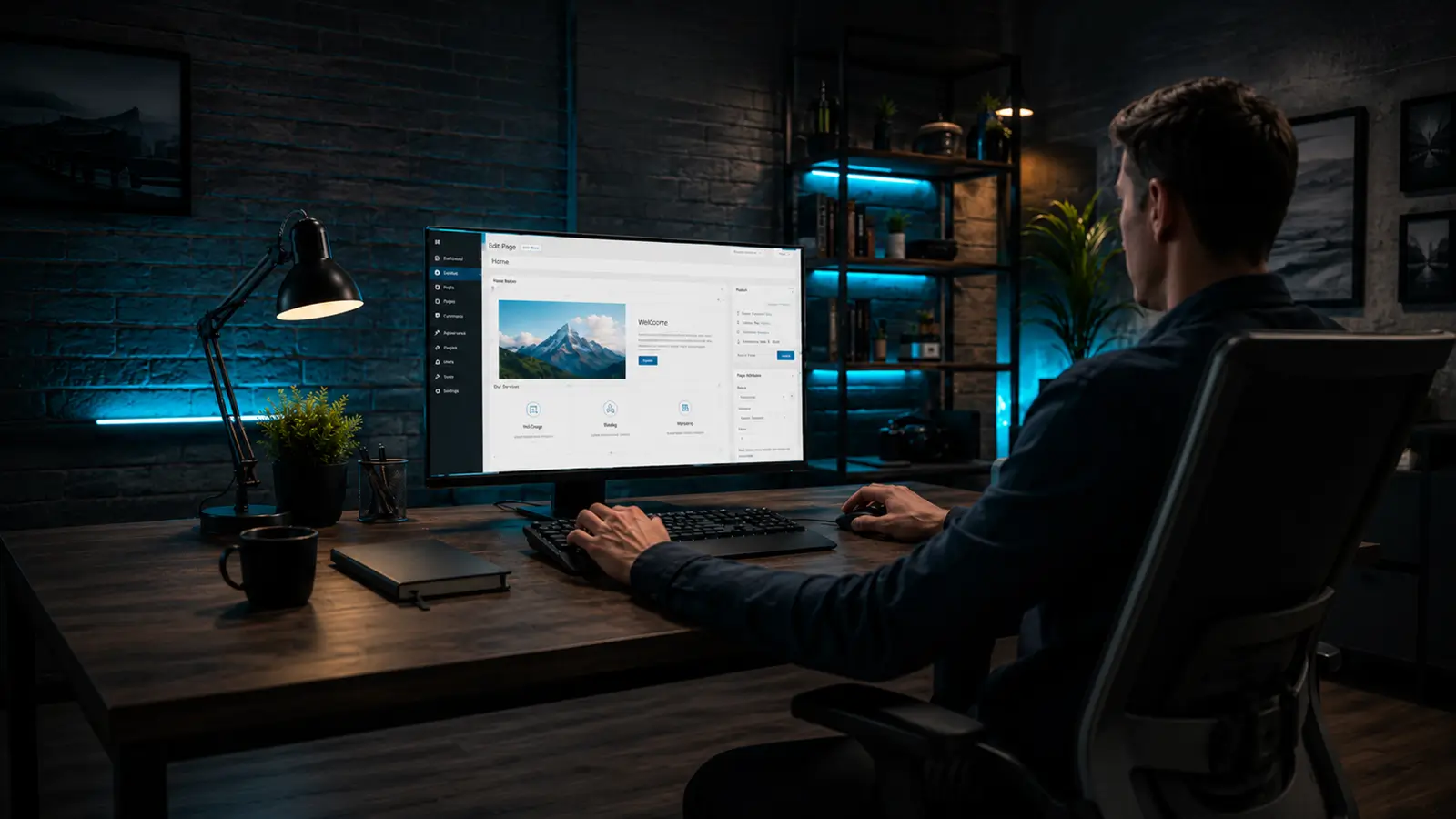
Editing pages and sections
From the panel, you can access the different pages of your website and edit their content in an organised way.
Depending on the project structure, you will be able to:
- edit titles and text;
- replace photographs;
- add new sections;
- update buttons and links;
- save changes as drafts;
- schedule publications;
- review previous versions;
- organise content by category.
Administration should be clear and easy to understand. That is why we organise the panel so that the most frequently used functions are easy to find and the risk of accidentally changing important technical elements is reduced.
Managing images and media files
Images, videos, documents and other files are stored in a centralised media library.
From there, you can upload new resources, reuse existing files and keep all the website’s visual content properly organised. It is also possible to add alternative text to images, which is important for both accessibility and search engine optimisation.
We also prepare the structure to prevent the unnecessary use of files that are too large. Proper image management helps maintain good loading speed and improves the visitor experience.
Publishing articles and news
When a website includes a blog, the CMS panel makes it easy to create and publish new articles.
You can add titles, text, headings, images, links, categories and tags. You can also save content as a draft, schedule it for a specific date or update an older publication.
A well-managed blog allows you to:
- share knowledge about your industry;
- present new services;
- publish company news;
- answer frequently asked questions;
- gradually improve the website’s visibility;
- build trust before the first contact.
The system should allow you to focus on the content without making the publishing process unnecessarily complicated.
User and permission management
When several people work on the same website, not everyone needs access to the same functions.
The administration panel allows you to create different user profiles and assign specific permissions according to each person’s responsibilities. For example:
- a writer can create and edit articles;
- an editor can review and publish content;
- a manager can administer products or orders;
- an administrator can control all functions;
- a contributor can access only a specific section.
This organisation improves security and reduces the risk of accidental changes. Each team member has access only to the tools required for their work.
Tools prepared for SEO
A CMS panel can include tools that make basic content optimisation for search engines easier.
From the administration area, it is possible to manage elements such as:
- SEO titles;
- meta descriptions;
- URLs;
- headings;
- image alt text;
- internal links;
- categories and content structure;
- page previews in search results.
These functions do not replace a professional SEO strategy, but they make it possible to maintain a consistent structure and properly prepare each page or publication.
At Lenixas, we configure the system’s foundation so that content can be developed in an organised way and in accordance with good technical practices.
Managing products and services
On corporate websites, catalogues or online shops, the panel can include specific tools for managing the company’s offer.
Depending on the project, you will be able to manage:
- service names and descriptions;
- prices;
- photographs;
- categories;
- availability;
- product variations;
- inventory;
- orders;
- payment statuses;
- shipping methods;
- promotions and discounts.
The configuration is adapted to the actual way the business operates. Not every company needs the same options, so we remove unnecessary elements and prioritise the functions used in day-to-day work.
Forms, enquiries and contacts
The panel can also allow you to review messages sent through contact forms, quotation requests or specific website forms.
This allows the company to centralise some of the information it receives and maintain greater control over client enquiries.
Depending on the project’s needs, it is also possible to integrate:
- custom forms;
- email notifications;
- quotation requests;
- booking forms;
- subscriptions;
- user registrations;
- support forms.
Each form is designed with both the information the company needs and the convenience of the person completing it in mind.
Administration panel security
Access to the CMS must be properly protected. A poorly configured panel can become a vulnerable point in the website.
That is why we apply good practices related to:
- strong passwords;
- user control;
- restricted permissions;
- access protection;
- regular updates;
- backups;
- component monitoring;
- reduction of unnecessary functions.
It is also important to keep the system, extensions and different website components up to date. Updates help fix vulnerabilities, improve compatibility and maintain the correct operation of the site.
A panel adapted to the way you work
Not every company manages its content in the same way. That is why we do not simply install a CMS with its default settings.
We analyse which information you need to update, who will use the panel and how frequently changes will be made. Based on this analysis, we can:
- reorganise menu options;
- hide unnecessary functions;
- create custom fields;
- simplify the editing process;
- prepare dedicated areas;
- define different access levels;
- adapt the panel to the company’s type of content.
The result is a clearer, more efficient and easier-to-understand working environment.
How we prepare the administration panel
Every project begins with an analysis of the company’s needs and the website structure.
1. We analyse the content
We define which elements you will need to modify frequently and which should remain reserved for technical management.
2. We select the right system
We choose the most appropriate solution based on the type of website, its functions, the number of users and its potential for future growth.
3. We configure the structure
We organise pages, categories, fields, permissions and tools to make day-to-day administration easier.
4. We adapt the panel
We simplify the menus and configure only the functions required for the project.
5. We carry out tests
We test the creation, editing and publication of content, as well as the operation of users, permissions, forms and other tools.
6. We prepare the website for management
We deliver a system that is ready to use and explain the main functions required to work with the content.
Independence with professional support
Having an administration panel allows you to manage your website’s regular content, but it does not mean that you have to handle every technical aspect yourself.
You can update text, photographs, services or articles independently and rely on our support whenever you need to:
- add new functions;
- modify the structure;
- create new sections;
- solve a technical problem;
- improve performance;
- expand the website’s capabilities.
This way, you retain control over your content without giving up the support of a professional team.
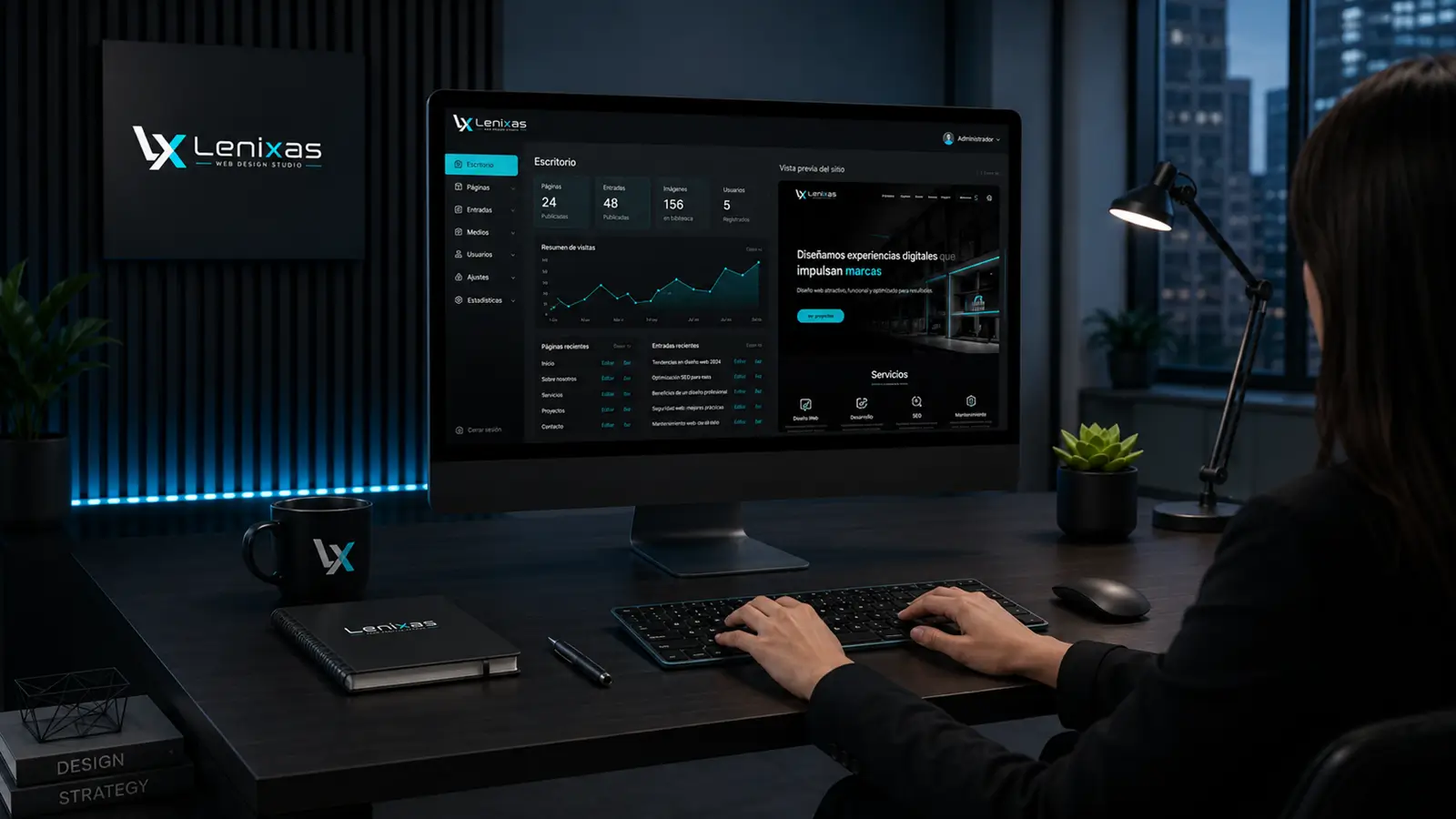
What can your CMS panel include?
The configuration will depend on the characteristics of your project, but it may include:
- management of pages and sections;
- article publishing;
- management of images and documents;
- management of products or services;
- contact forms;
- user profiles and permissions;
- publication scheduling;
- basic SEO tools;
- order or booking management;
- backups;
- technical updates;
- integration with other tools;
- the possibility of adding new functions in the future.
The scope is adapted to the type of company, the number of users and the level of independence you require.
Manage your website more conveniently
A good administration panel should save time, make work easier and provide clear control over the website’s content.
At Lenixas Web Design Studio we configure secure, organised CMS systems designed to support the growth of your company. We take care of both the visible part of the website and the internal tools you will use to manage it.
Your website should be professional for your clients and practical for the people who work with it.
Tell us what type of content you need to manage and we will prepare a solution tailored to your company, your team and your website structure.