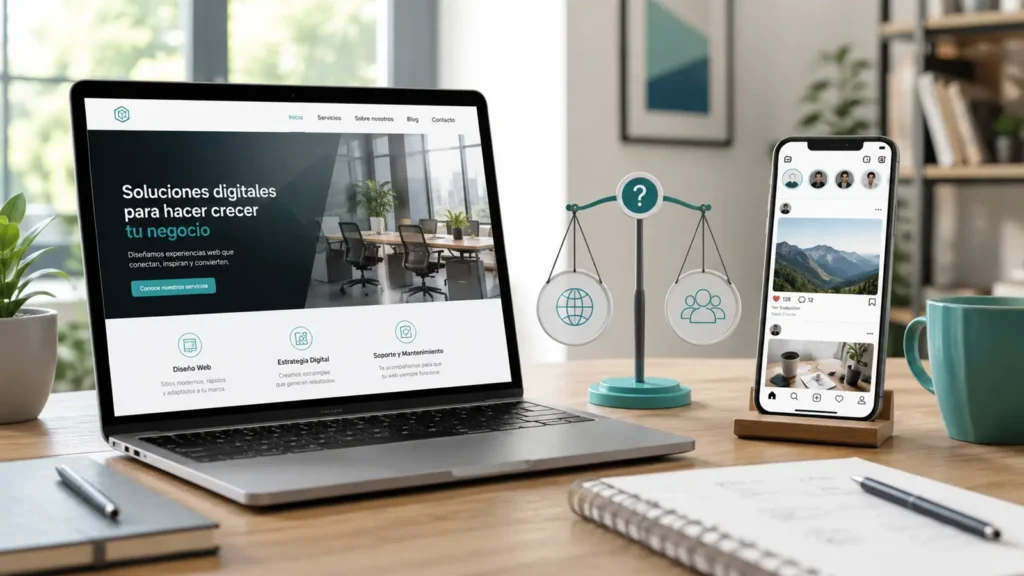

What should a professional website include?
A professional website should not be limited to displaying a company name, a few photographs and a telephone number.
To become a useful tool, it must clearly explain what the business offers, build trust, work correctly on different devices and make it easy for visitors to take action.
That action may be:
- request a quotation;
- call the company;
- send a message;
- book an appointment;
- buy a product;
- purchase a service;
- visit a business location;
- request more information.
Many websites look attractive but do not help clients make a decision. Others contain a great deal of information, but it is organised confusingly and makes the truly important details difficult to find.
A professional website needs a balance between design, content, technology, speed, ease of use and commercial objectives.
It must also be adapted to the type of company. A website for a self-employed professional does not need the same structure as an online shop, clinic, tourism company or business offering numerous services.
Before starting the project, it is advisable to analyse what type of website your business needs and which functions are genuinely necessary to achieve its objectives.
Below, we explain the most important elements that a professional website should include.
1. A clear presentation of the company
When someone visits a website, they should quickly understand:
- what the company does;
- which services or products it offers;
- who it is aimed at;
- where it operates;
- what makes it different;
- how they can make contact.
The top section of the homepage is particularly important. It is the first area visitors see and should help them confirm that they have reached the right place.
A main message that is too general can create uncertainty.
Expressions such as “solutions for your future”, “quality and commitment” or “we bring your ideas to life” may sound good, but they do not explain what the business actually offers.
It is better to use a specific phrase, for example:
- website design for companies;
- complete renovations in Tenerife;
- advice for self-employed professionals and small businesses;
- beauty treatments in Costa Adeje;
- private excursions around Tenerife;
- photography services for hotels;
- boat hire and sales.
Below the main message, a short explanation can be added to expand the information and show the main benefit for the client.
The presentation should also include a clear action, such as requesting a quotation, viewing the services or contacting the company.
It is not necessary to explain the entire history of the business on the first screen. The aim is to capture attention and help visitors continue browsing.
2. A simple and easy-to-understand structure
Navigation should allow users to find information effortlessly.
A professional website needs a logical structure, with a clear menu and understandable names.
The main sections may include:
- Home;
- Services;
- About us;
- Projects;
- Prices;
- Frequently asked questions;
- Blog;
- Contact.
Not every company needs exactly these sections. The structure should be adapted to the content and objectives of the business.
The menu should not contain too many options or use creative names that visitors do not understand.
For example, it is better to use “Services” than an unclear expression such as “What we do for you”. It is preferable to use “Contact” rather than making users search for a button with an unusual name.
Every important service should have enough space to be explained properly.
When all services are summarised in a single block, it can be difficult to present their differences, benefits and terms.
A clear structure also helps connect the different parts of the website. From a service page, users can access a related project, view a frequently asked question or send an enquiry.
You can learn about the structure of our offer in the Our services.
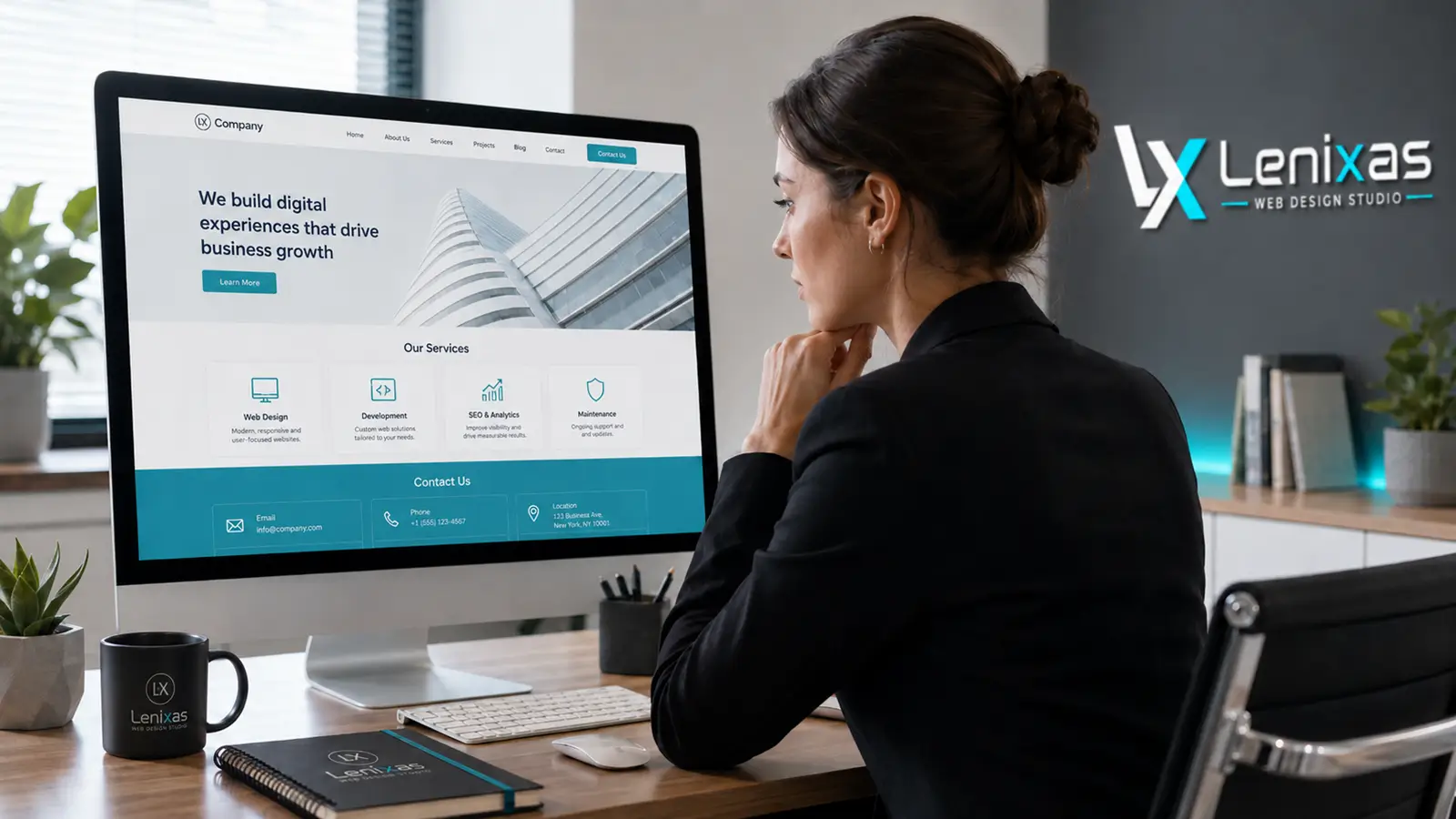
3. A professional design adapted to the company’s identity
The design should represent the company correctly and maintain a consistent image across all sections.
This includes:
- colours;
- fonts;
- logo;
- icons;
- photographs;
- buttons;
- spacing;
- form styling;
- the appearance of headings;
- the composition of each page.
A professional website does not need to be filled with animations or visual effects.
In many cases, a clean and well-organised design produces better results than an overloaded page.
Visual elements should help users understand the content rather than distract them.
It is also important to maintain consistency between the website and the company’s other materials, such as:
- business cards;
- social media;
- advertisements;
- documents;
- uniforms;
- vehicles;
- promotional materials.
Visitors should recognise the brand regardless of the channel used.
Images also influence how the business is perceived.
Whenever possible, it is advisable to use the company’s own photographs of its team, premises, projects or products. These images help convey authenticity.
When original material is not available, professional photographs may be used, but they should be carefully selected and maintain a consistent style.
The design should not copy another company exactly. It may be inspired by current trends, but it should reflect the personality, industry and objectives of the business.
You can view our latest website projects to see different ways of adapting the design to each company.
4. Correct adaptation for mobile phones
A professional website should work correctly on computers, tablets and mobile phones.
It is not enough for the website simply to open on a small screen. All content must adapt so that it is easy to read and use.
The mobile version should take into account:
- the text size;
- the width of images;
- the operation of the menu;
- the order of sections;
- the spacing between buttons;
- how easy forms are to complete;
- the loading speed;
- the visibility of contact details;
- the ability to call with one tap;
- access to the WhatsApp button.
Some elements that work correctly on a computer may be uncomfortable to use on a phone.
For example, a very wide table, a menu with too many options or an image containing small text may lose its usefulness on a mobile screen.
For this reason, responsive adaptation should not be carried out only at the end of the project. It should be considered from the planning stage of the structure and design.
A poor mobile experience can cause users to leave the website before discovering the offer.
In our article about the signs that a website needs a redesign we explain how to identify display, speed and navigation problems.
5. Content that explains the services correctly
A website needs clear, useful texts adapted to the questions potential clients ask.
Simply displaying a list of services is not enough.
Every important service should explain:
- what it consists of;
- who it is aimed at;
- which problem it solves;
- what it includes;
- how the process works;
- how much time it may require;
- what the client must provide;
- which benefits it offers;
- how to request information.
The content should be written for real people, not only for search engines.
A text filled with keywords repeated artificially can be difficult to read and reduce trust.
It is also advisable to avoid expressions that are so general they could be used by any company.
The texts should reflect the experience, working methods and genuine characteristics of the business.
For example, a web design page can explain:
- what type of projects the company carries out;
- what information it needs from the client;
- which stages the work includes;
- whether the mobile version is included;
- how revisions are carried out;
- what happens after publication.
A page for a beauty centre can explain:
- what each treatment involves;
- who it is recommended for;
- how long it lasts;
- whether preparation is required;
- how to book;
- which aftercare instructions should be followed.
Detailed content helps clients understand the offer and reduces the number of basic questions before contact.
It also makes it possible to create a separate page for every important service, improving the organisation of the website.
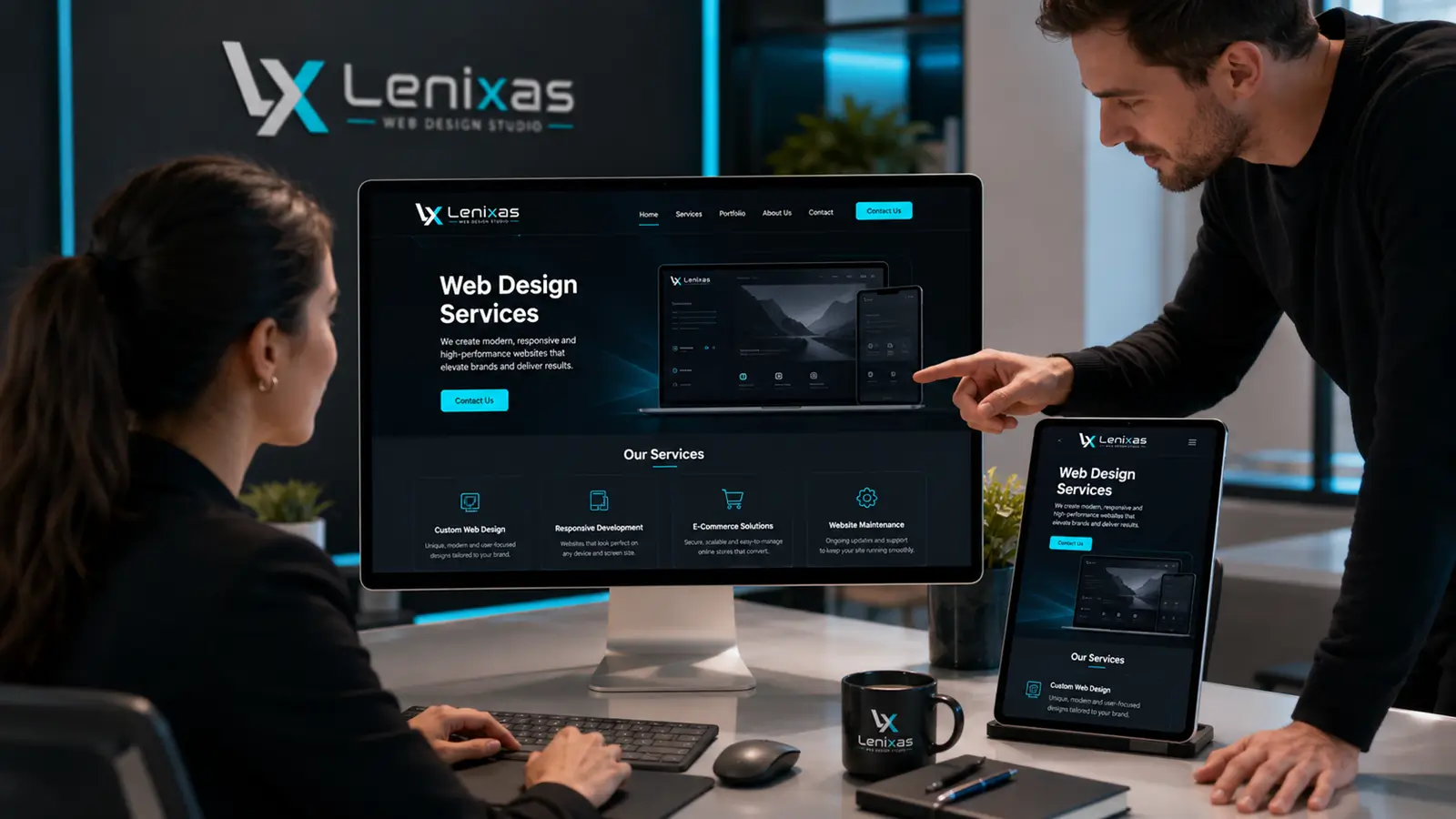
6. Contact buttons and calls to action
A website should tell visitors what they can do after reading the information.
Calls to action may use text such as:
- Request your quotation;
- Book your appointment;
- Contact us;
- Check availability;
- Request more information;
- Discover our services;
- View projects;
- Buy now;
- Call;
- Send a message.
The type of button should be adapted to the company’s objective.
An online shop needs to make purchasing easy. A service company should help visitors request a quotation. A clinic may need a booking system. A restaurant can direct users to the menu or table reservations.
Buttons should be visible, but they should not appear excessively.
It is advisable to place them at logical points:
- after presenting the service;
- after explaining its benefits;
- next to a related project;
- after answering frequently asked questions;
- at the end of the page;
- in the header or menu.
It is also important to provide different methods of contact.
Depending on the business, the website may include:
- form;
- telephone;
- email;
- WhatsApp;
- address;
- map;
- opening hours;
- booking system.
The form should not request more information than necessary.
When it contains too many fields, some users may abandon the process. In many cases, asking for a name, email address or telephone number and a brief description of the enquiry is sufficient.
The website should also tell visitors what will happen after they submit the form.
For example, it may state that the company will reply personally or request additional information to prepare the quotation.
7. Elements that build trust
Before making contact or a purchase, clients need to confirm that the company is genuine, professional and suitable for their needs.
A website can build trust through:
- information about the company;
- clear contact details;
- completed projects;
- real photographs;
- client reviews;
- experience;
- certifications;
- partners;
- brands it works with;
- an explanation of the process;
- frequently asked questions;
- legal information;
- a secure connection.
The “About us” section should not contain only marketing phrases.
It can explain:
- who is behind the company;
- how it started;
- what experience it has;
- which values guide its work;
- which areas it serves;
- what makes its service different;
- how it looks after clients.
It is not necessary to publish excessive personal information. The aim is to show that there is a genuine company behind the website.
Completed projects are also very important.
They allow users to assess the quality of the work and visualise what they may receive.
In some industries, real cases, before-and-after images, examples of results or a brief description of the problem and the solution applied can be presented.
You can learn more about our company in About us.
You can also review our completed projects.
Before hiring, it is also advisable to know how to choose a web design company and which questions to ask when comparing proposals.
8. A technical foundation prepared for Google
A professional website should be prepared so that search engines can find, interpret and index its content.
This does not mean that it will automatically appear in the first position on Google. However, it should have a technical foundation and structure that make it possible to develop SEO later.
Important elements include:
- clear titles for each page;
- understandable URLs;
- a correct heading structure;
- texts related to each service;
- internal links;
- image descriptions;
- a sitemap;
- indexing configuration;
- mobile version;
- secure connection;
- appropriate speed;
- no unnecessary duplicate pages;
- the ability to connect analytics tools.
Every page should have an objective and focus on one main topic.
For example, if a company offers web design, online shops, maintenance and logo creation, it may be advisable to prepare a separate page for each service.
This helps users find specific information and allows search engines to understand the offer more clearly.
A blog can also support visibility, provided that its articles answer genuine questions from potential clients.
It is not advisable to publish content that attracts people who will never purchase the company’s services.
Articles should be related to:
- questions before purchasing;
- price;
- choosing the service;
- the problems the company solves;
- comparing solutions;
- the client’s decisions.
They should also contain links to services, projects and other related articles.
In the article website or social media we explain why an owned platform makes it possible to build a more stable and organised online presence.
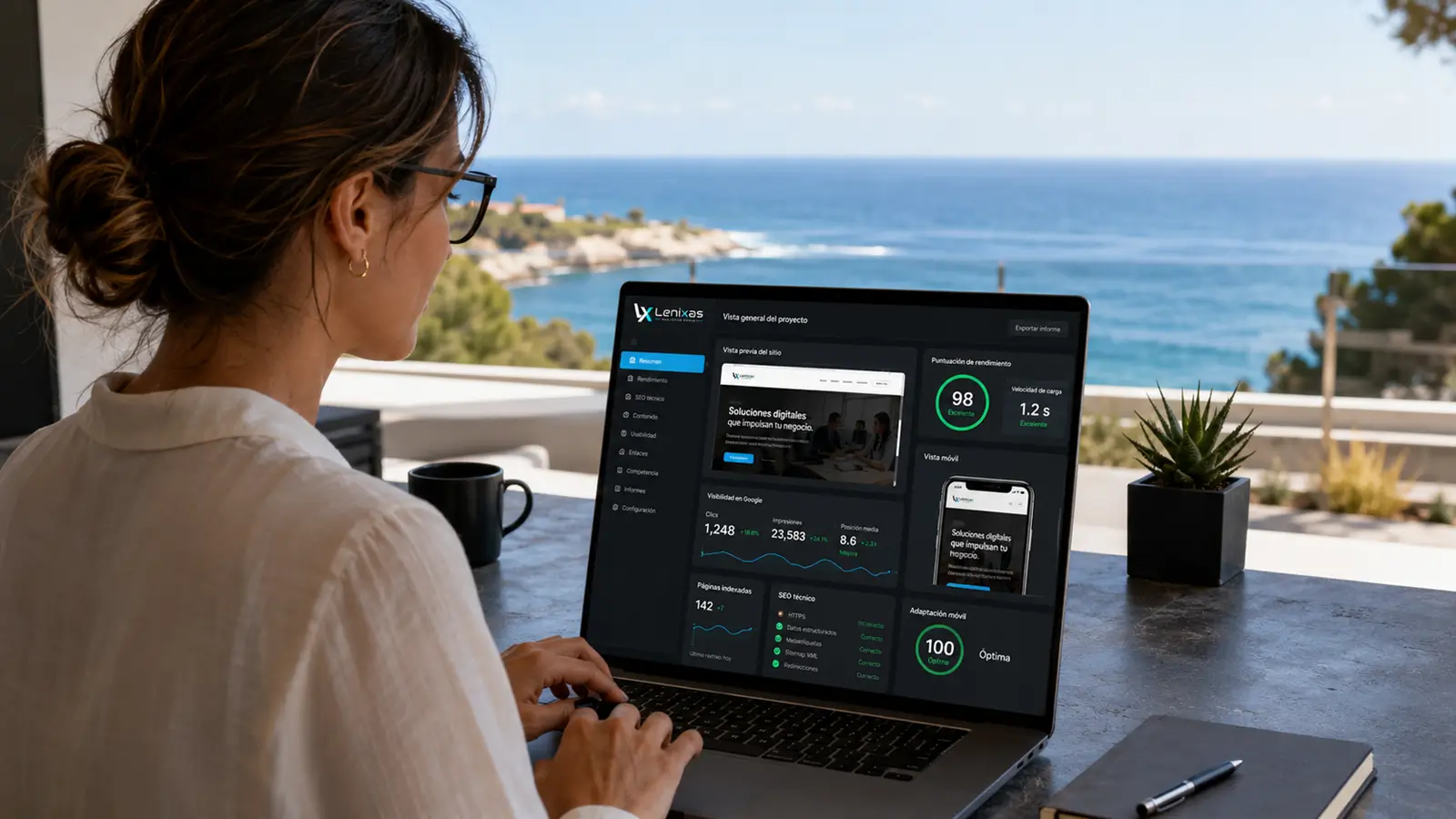
9. Security, speed and legal compliance
A website should work correctly and protect both the company and its users.
One of the basic elements is a security certificate, which allows an encrypted connection to be used.
It is also advisable to prepare:
- backups;
- updates;
- form protection;
- strong passwords;
- access control;
- spam protection;
- error checking;
- recovery in the event of problems.
Security does not depend only on installing a tool.
The system, extensions and components used on the website must be kept up to date.
Speed is also important.
Photographs, videos and animations should be optimised so that they do not slow browsing unnecessarily.
A website may load slowly for different reasons:
- images that are too large;
- unsuitable hosting;
- too many extensions;
- unnecessary code;
- poorly configured videos;
- accumulated errors;
- lack of maintenance.
The website should also include the legal information appropriate to the company, its activity and the market in which it operates.
Depending on the project, it may be necessary to prepare:
- privacy policy;
- cookie policy;
- legal notice;
- contract terms;
- terms of sale;
- returns information;
- consent wording in forms;
- cookie preference management.
Not every website needs exactly the same documents.
An informational website, online shop and platform with user accounts process information in different ways.
For this reason, legal content should be adapted to the specific activity and not copied from another website without review.
10. A system that allows the website to be updated and expanded
A professional website should be able to evolve together with the company.
The business may add:
- new services;
- new locations;
- more languages;
- new team members;
- projects;
- articles;
- products;
- forms;
- booking systems;
- integrations;
- promotional campaigns.
For this reason, it is advisable to use a structure that allows the website to be expanded without rebuilding it completely every time.
It is also important to know who will be able to modify the content.
The client should receive information about:
- access to the administration panel;
- updating texts;
- changing photographs;
- publishing articles;
- modifying contact details;
- creating backups;
- maintenance;
- technical support.
Not every company wants to manage its website personally.
Some prefer to handle routine changes themselves, while others need a maintenance service.
Both options are valid, provided that responsibilities and costs are clearly explained.
It is also advisable to ask what will happen if the company wants to change provider.
The domain, content and access credentials should not be locked without the client knowing the terms.
Before comparing proposals, review our website prices and check what each type of project includes.
In our next article, we explain how much a professional website costs and which factors influence the quotation.
Do all companies need the same elements?
No.
A professional website should contain everything necessary to achieve its objectives, but it should not include functions the business will not use.
For example, a professional offering a single service may need:
- a presentation;
- an explanation of the service;
- information about their experience;
- reviews;
- frequently asked questions;
- form;
- contact details.
A company with several areas of activity may need:
- separate pages for each service;
- projects;
- different forms;
- several languages;
- blog;
- pages for different locations.
An online shop may also need:
- products;
- categories;
- payments;
- orders;
- client accounts;
- terms of sale;
- shipping and returns information.
A tourism company may require:
- availability;
- bookings;
- calendars;
- payments;
- maps;
- languages;
- cancellation terms.
The number of elements should depend on genuine needs rather than a fixed list applied to every project.
Which basic pages should a business website have?
Although every project is different, many business websites include:
Home
Summarises the offer, presents the company and directs visitors to the most important sections.
Services
Explains what the business offers and provides access to detailed information about each service.
About us
Presents the company, its experience, values and way of working.
Projects or completed work
Shows examples and helps clients assess the quality of the service.
Frequently asked questions
Answers common questions and makes the decision easier before contact.
Blog
Allows useful content related to potential clients’ questions to be published.
Contact
Includes the available methods of communicating with the company.
It is not always necessary to create every section as a separate page. On a simple website, some elements may be included within the homepage.
You can view our frequently asked questions to learn more about creating websites.
What should never be missing from the homepage?
The homepage should provide an overview of the business.
It may include:
- main message;
- brief explanation;
- contact button;
- featured services;
- benefits;
- information about the company;
- projects;
- reviews;
- working process;
- frequently asked questions;
- final call to action.
The content should maintain a logical order.
First, the company and offer are presented. The services are then developed, trust-building elements are shown and, finally, contact is made easy.
It is not necessary to place all available information on the homepage.
Its purpose is to guide visitors and lead them to the section that best responds to their needs.
Does a professional website guarantee new clients?
A website can improve the presentation of a company, increase trust and make contact easier.
However, it does not automatically guarantee new clients.
Results may also depend on:
- demand for the service;
- competition;
- price;
- reputation;
- promotion;
- search visibility;
- advertising;
- the quality of the offer;
- customer service;
- location;
- reviews.
The website should form part of a broader commercial strategy.
It may receive visits from Google, social media, advertisements, business cards, recommendations and other channels.
A well-prepared website helps turn that interest into action, but it also needs visibility.
For this reason, a company can combine its website with social media, content, advertising and local activities.
A professional website should work for your business
A website should not be merely a decorative element or a forgotten business card.
It should help to:
- explain the services;
- present the company;
- build trust;
- answer questions;
- appear in relevant searches;
- show projects;
- make contact easier;
- generate enquiries;
- support promotional activities;
- grow together with the business.
At Lenixas, we create websites adapted to the real needs of each company.
Before starting, we analyse the activity, offer, clients and project objectives.
You can discover our web design services.
View our website prices and compare the different available solutions.
You can also review our latest completed projects.
All these elements should work together to create a clear, fast and secure website prepared to grow with the company. At Lenixas, we create professional websites adapted to the services, clients and objectives of each business.
Would you like to create a professional website for your company?
Tell us what your business does, which services you offer and which objectives you want to achieve.
We will study your project and propose a solution tailored to your needs.